
Please see instruction on cover removal Removing the Case Cover
|
|
Open the computer case and locate the hard drive. The hard drive is actually an M.2 Solid State Drive (SSD).
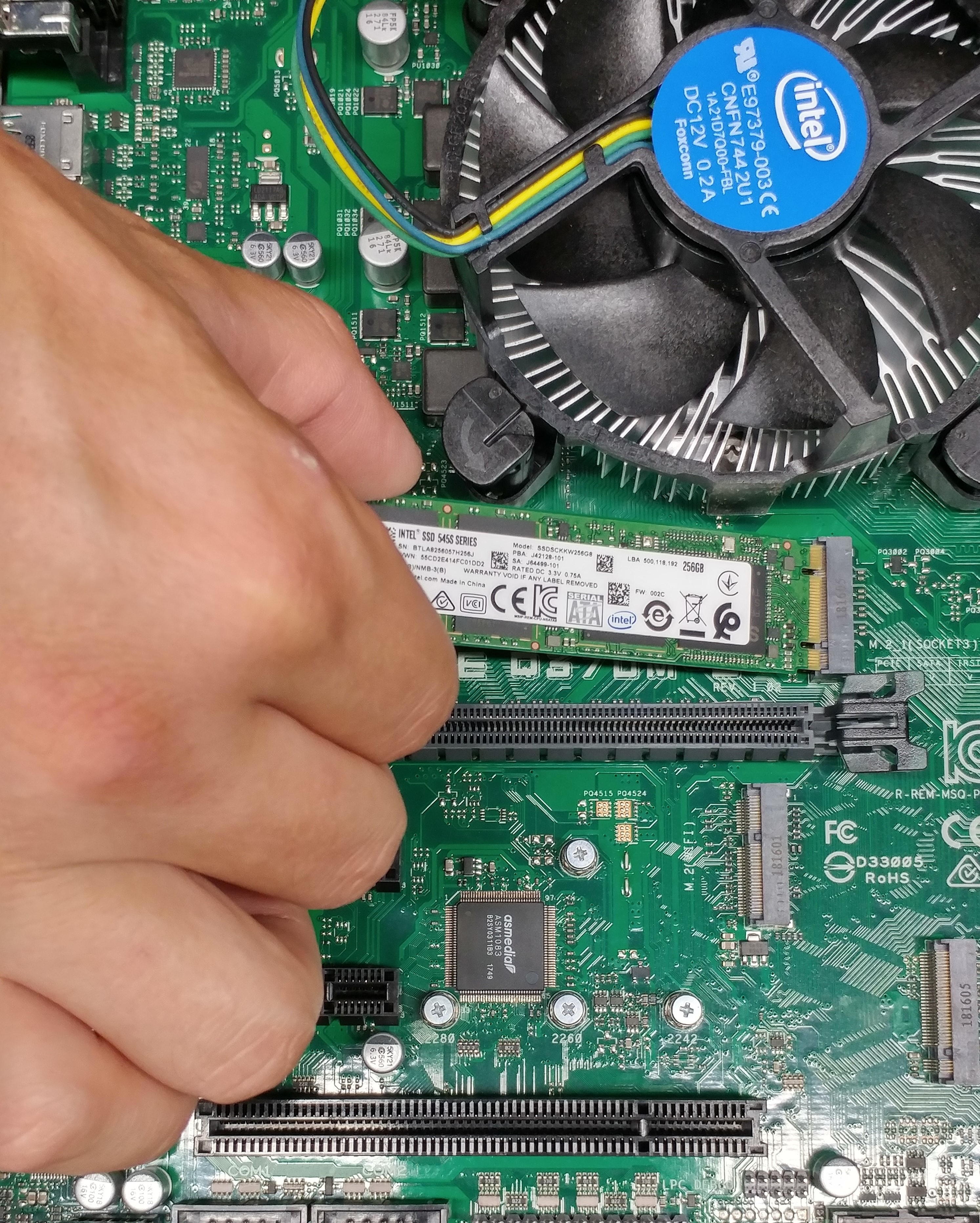
Step 1 - Insert the M.2 card firmly into the M.2 slot ensuring the pins and notches align correctly (parallel to the motherboard). Please note that the motherboard has two M.2 slots available for storage (B keyed card compatible) and one M.2 slot for WiFi, Bluetooth or cellular cards (E keyed card compatible). SSD's must be inserted in one of the two B keyed slots.
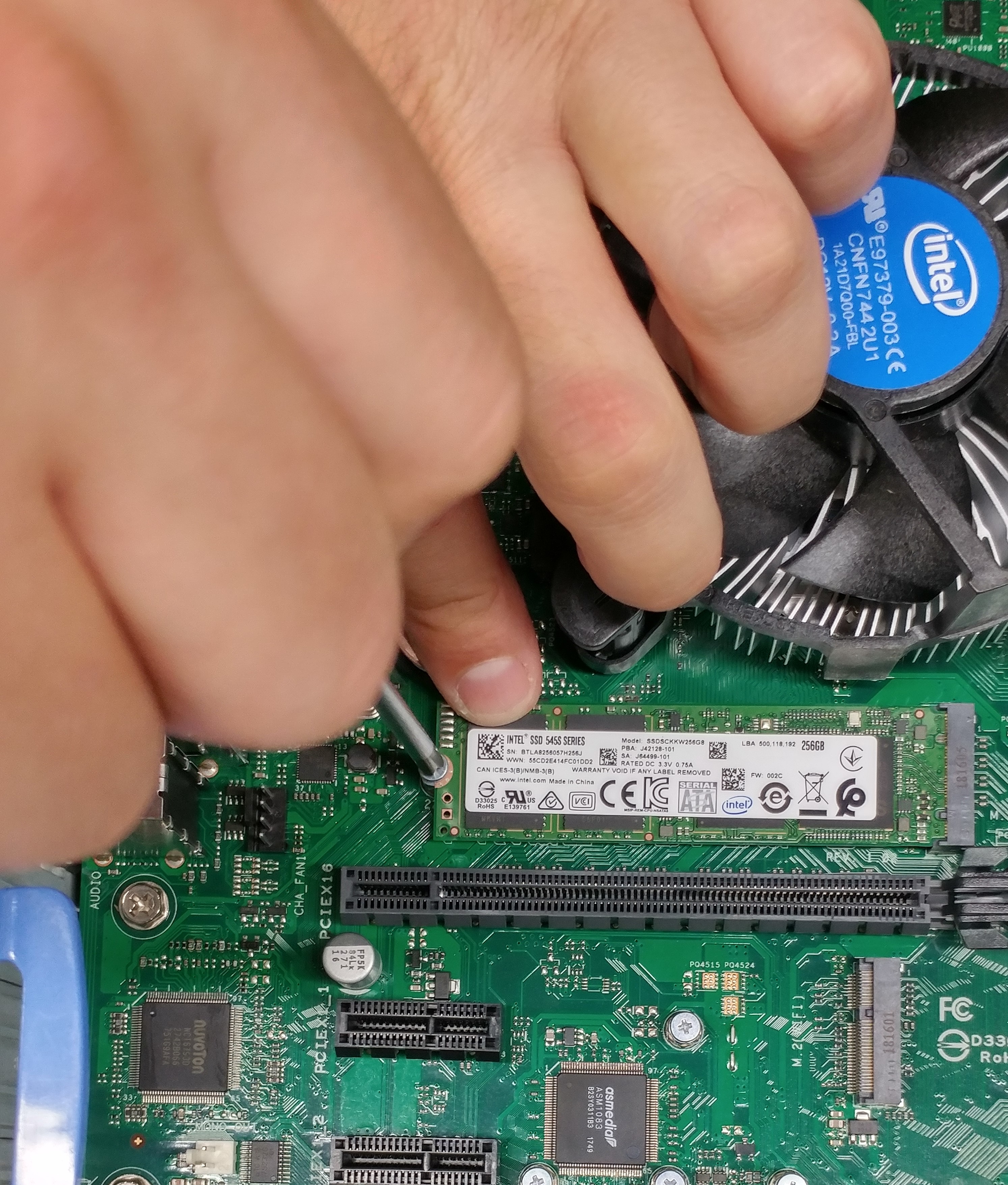
Step 2 - Using the screw that accompanies the replacement SSD, screw the non-keyed end of the M.2 card into the motherboard hole that aligns with the hole in the M.2 card.
Step 1 |
Step 2 |
 |
 |