Please see instruction on cover removal Removing the Case Cover
|
|
Disconnect Optical power and data cables.
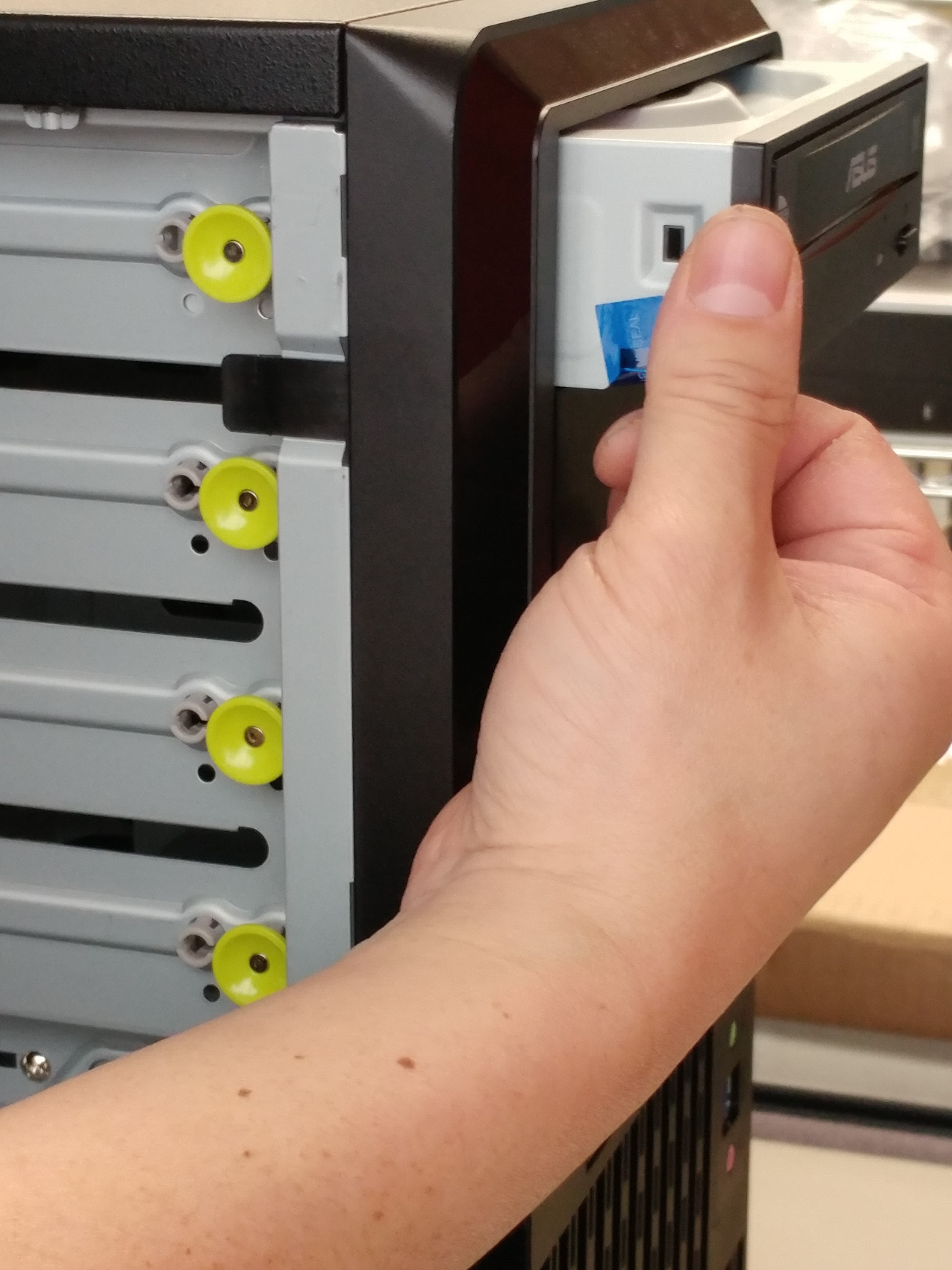
If there are any screws in the side of the optical drive, they will need to be removed with a Phillips screwdriver.
To remove the drive from the assembly, pull the yellow buttons towards yourself.
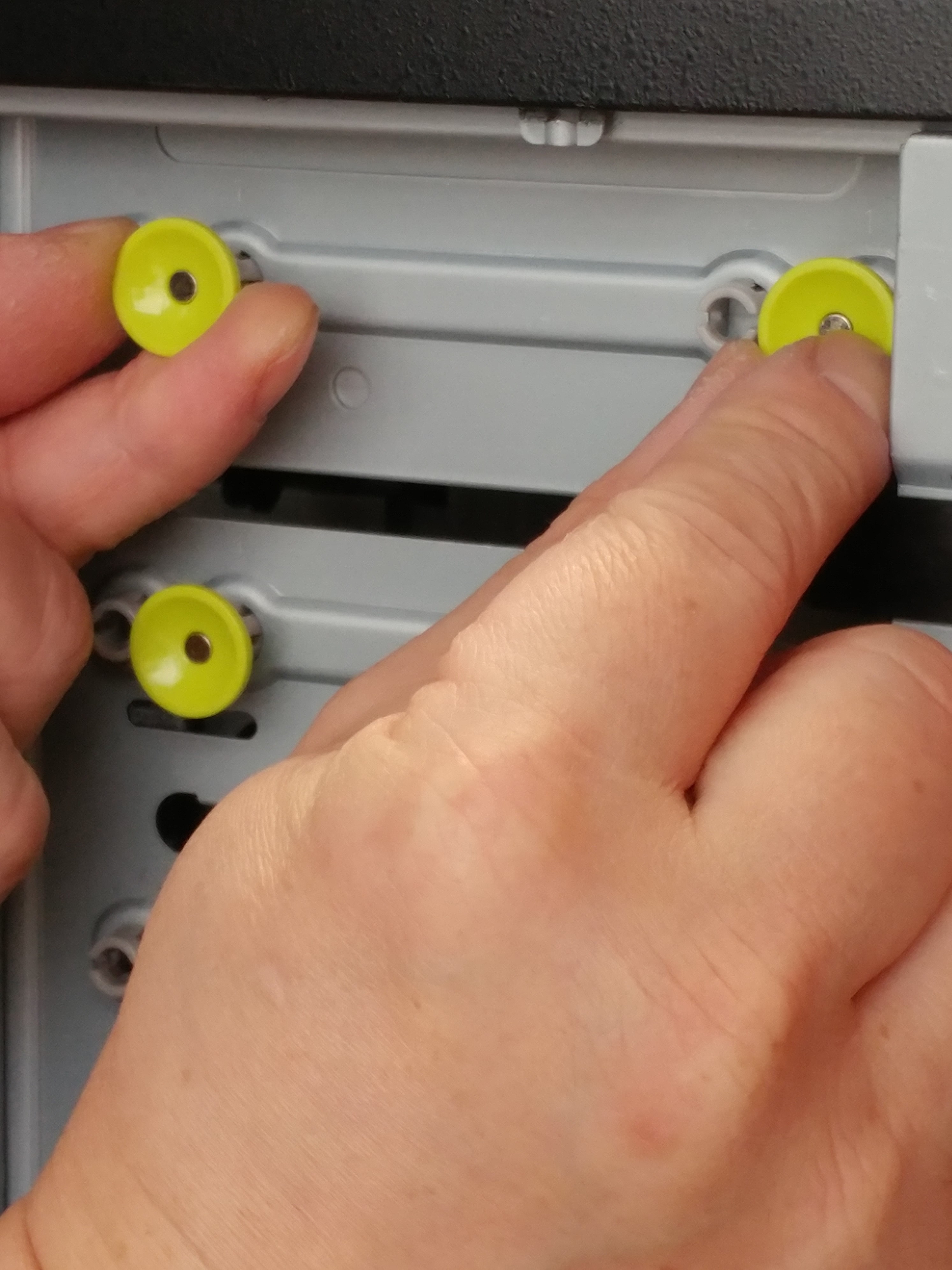
Slide the optical drive out of the assembly.